
A content site from 0 to 1: topic selection, structure, and internal links
A content site isn't about writing articles, it's about building structure. Covers where topics come from and how to filter them, designing the site's information architecture, and how an internal-link strategy keeps traffic flowing within the site.
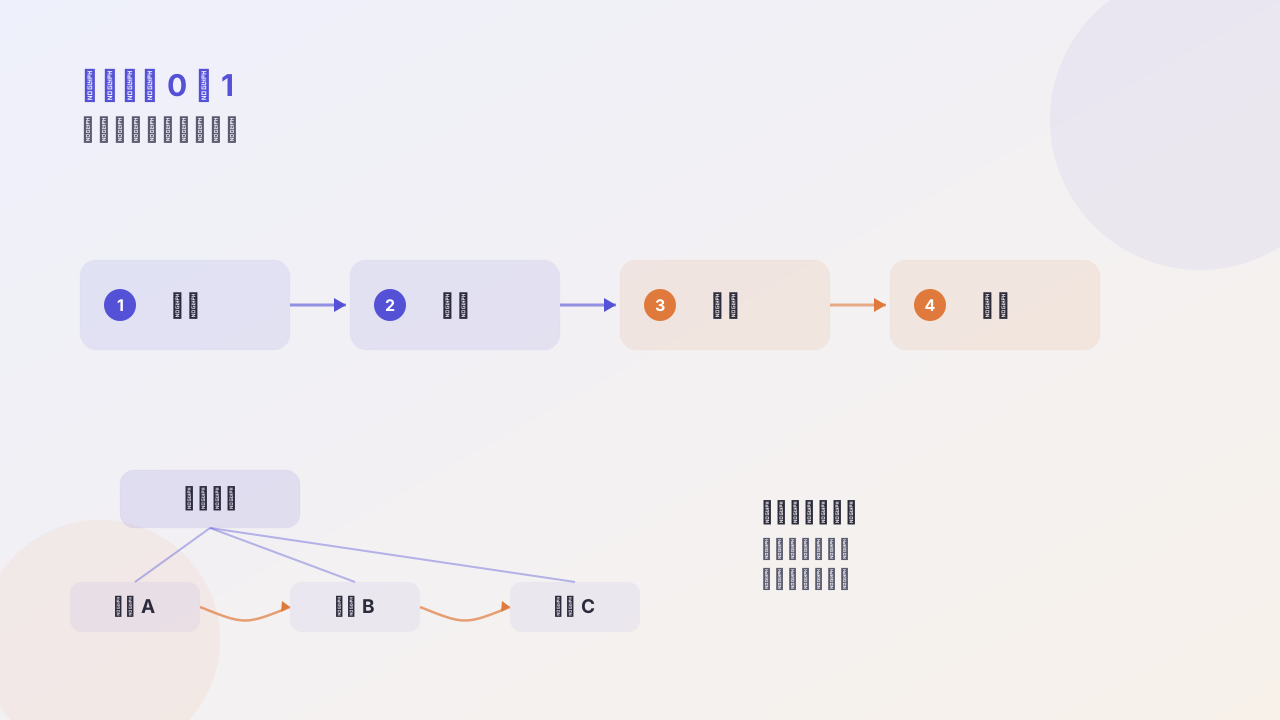
A lot of people think the key to a content site is “writing well.” Actually the key is structure.
A single article can only bring so much traffic; a structured content site is what lets traffic accumulate.
I. Topic selection: reverse from search intent
Don’t write “what I want to write”; write “what someone is searching for.”
Three sources, ordered by cost-effectiveness:
| Source | How | Trait |
|---|---|---|
| Competitors’ traffic keywords | see which keywords peer sites rank for | demand already validated |
| Long-tail questions | search “how to use XX”, “difference between XX and YY” | low competition, high conversion |
| High-frequency community questions | scroll forums and group chats for repeated asks | real, but search volume needs validation |
Filter criterion: search volume × your confidence you can rank in the top 3.
A keyword you can rank #1 with 200 monthly searches is far more valuable than one you rank #30 with 5,000 monthly searches.
II. Structure: make articles relate to each other
This is the biggest difference between a content site and a personal blog.
A personal blog is flat: articles relate only by time. A content site is a web: articles relate by topic.
Concrete approach — build a “pillar page + cluster pages” structure:
Pillar page: "Product-building Guide" (continuously updated long-form)
   ├── cluster page: how to do competitive analysis
   ├── cluster page: how small should the MVP be cut
   ├── cluster page: three ideas on pricing
   └── cluster page: ten channels for cold start
Rules:
- Every cluster page must link back to the pillar page
- The pillar page must link to all cluster pages
- Cluster pages link to each other semantically
This lets search engines understand your topical authority, and lets users keep reading along.
III. Internal links: three practical rules
1. Use keywords for anchor text, not “click here”
❌ More info in [this article](/posts/xxx/)
✅ See [the five dimensions of competitive analysis](/posts/xxx/) for specifics
2. Each new article links out to at least 3, and is linked from at least 2
Simple but effective. When publishing a new article, take a moment to add a link to it from an old one — what a new page lacks most is entry-point authority.
3. Put “related reading” after the body, not in the sidebar
The sidebar’s “latest articles” is almost never clicked. “Related reading” at the end of the body has an order-of-magnitude higher click rate, because the user just finished reading and is at peak information need.
IV. Updating matters more than adding
An often-overlooked fact: bringing an old article up to date often yields more SEO benefit than publishing a new one.
Practice:
- Mark every article with an
updateddate and show it on the page - Each quarter, pick 5 articles with declining traffic and rewrite them
- Explicitly note the update log in the article to build credibility
V. What not to do
- Don’t publish just to publish; low-quality pages drag down the whole site
- Don’t stuff keywords; today’s algorithms can tell
- Don’t buy backlinks; the risk/reward is terrible
Closing
A content site is a long-term compounding thing. The first three months you see almost no data; at six months natural traffic begins; only after a year does a clear compounding curve appear.
Those who make it work rely not on writing fast, but on building the structure early.
Follow me