Build your prompt library: from copy-paste to reusable assets
A prompt library's value isn't in how many prompts you collect, but whether they can be retrieved and iterated. Covers structured writing, categorization, versioning, and actual usage.

A lot of people have a folder full of prompts they’ve collected, and then never use a single one twice.
The problem isn’t prompt quality; it’s that they weren’t organized into retrievable, iterable assets.
Why the collection folder is useless
Three reasons:
- No scene annotation, so you can’t remember when to use it
- No version history, so after one edit you don’t know which version was better
- Stored in a chat tool, where retrieval ability is near zero
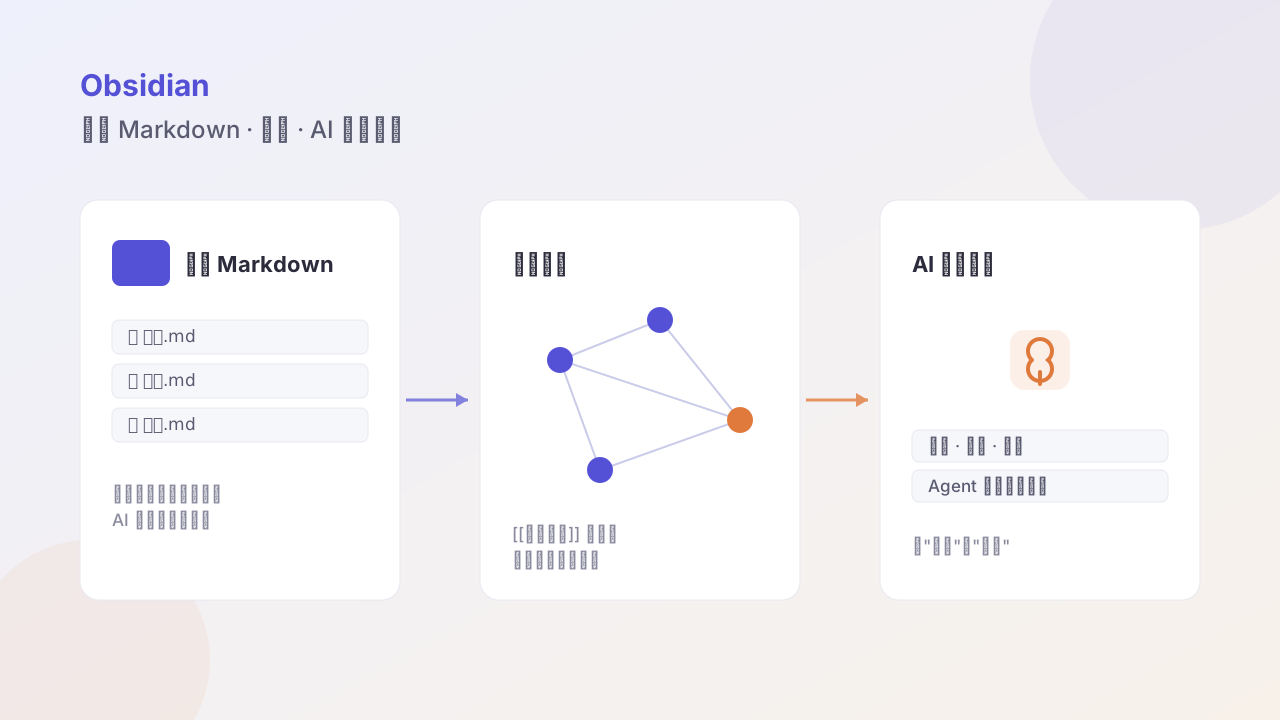
The fix is direct: move them into local Markdown and manage them like a knowledge base.
Structured writing
A prompt should contain at least five fields:
---
name: Competitor feature comparison
scene: doing competitor research, writing product analysis
model: general
updated: 2026-03-05
version: 3
---

## Input
{Product A} and {Product B}

## Task
Compare how the two products differ on {dimension}, output:
1. Each one's approach
2. The trade-offs behind the difference
3. The actual impact on users

## Constraints
- Based only on public information; mark uncertain items "to be verified"
- Avoid jargon like "empower" or "leverage"
- Keep under 400 words
The key field is scene. When you retrieve, what you remember is the scenario, not the prompt content.
Categorization
Don’t categorize by “writing / coding / analysis” — too coarse. Categorize by workflow stage:
prompts/
├── 01-discover/    # research, information gathering
├── 02-think/       # analysis, decision support
├── 03-create/      # generate content, code
├── 04-review/      # check, optimize, find errors
└── 05-operate/     # batch processing, formatting
This order is exactly the order of doing things. When you hit a stage, open the corresponding folder.
Versioning
Add a changelog line on every change:
## Changes
- v3 (2026-03-05): added "no industry jargon" constraint, more natural output
- v2 (2026-02-18): limited word count, output was too long before
- v1 (2026-02-01): initial version
Half a year later you’ll thank yourself. Many prompts get edited back and forth and end up worse than v1; without records you can’t go back.
How to use them
The easiest way: drop the prompt library into your knowledge base and let the agent retrieve directly.
Find a prompt in
~/vault/promptssuited to “analyzing user interview transcripts,” and use it to process today’s 5 interviews.
No need to flip through folders yourself, no copy-paste.
Three pieces of experience
- Few but refined: 20 iterated prompts beat 200 collected ones
- Constraints beat instructions: telling it “what not to do” works better than “what to do”
- Every prompt needs input/output examples: a prompt without examples, you yourself won’t understand it three months later
Closing
The essence of a prompt library is to solidify the experience of collaborating with AI.
Its value isn’t in how clever any single prompt is, but that half a year later, your way of working with AI has become a reusable, improvable system.
Follow me