First step to an Obsidian AI knowledge base: build a minimal viable system from zero
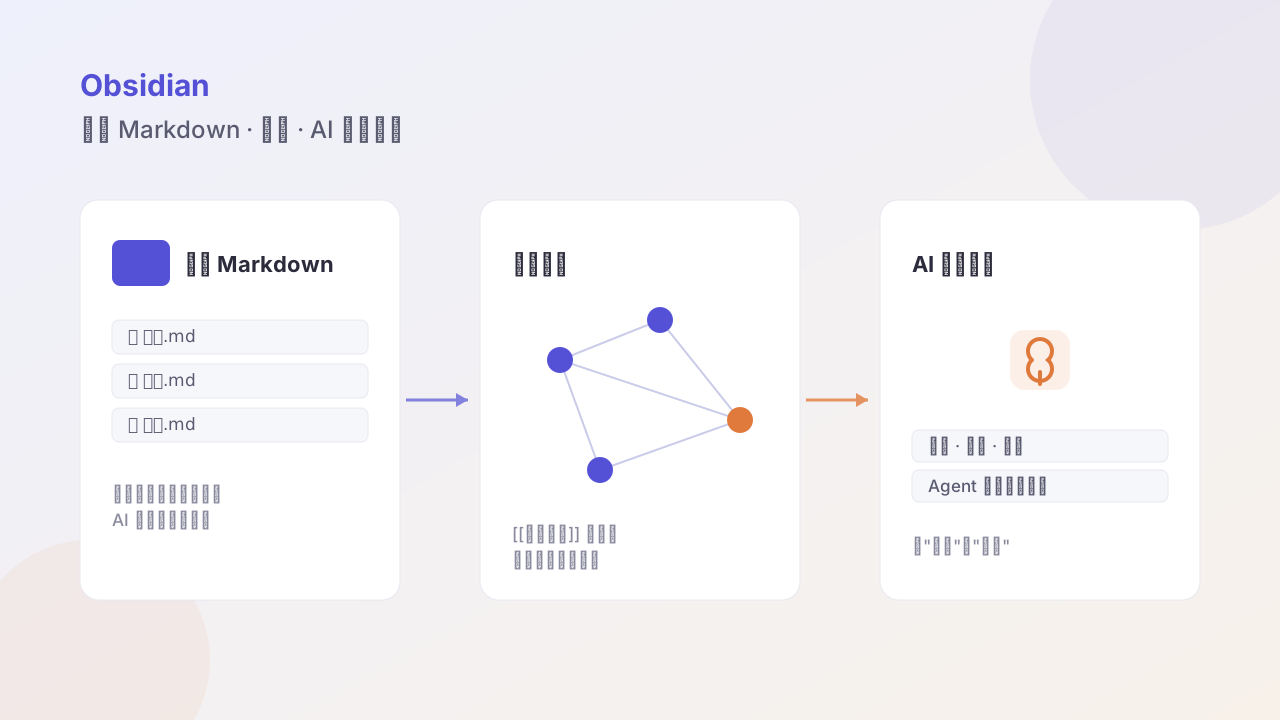
Set up an AI knowledge base in Obsidian that can run first — organize a local Markdown vault, connect via a CLI agent, then validate the loop with two scenarios — accumulating materials and advancing projects.

Most people’s knowledge base dies in the “renovation phase”: read ten config tutorials, installed twenty plugins, and then never wrote a single note.
This piece is about the minimal viable system — as long as the loop “input → AI processing → sedimentation → output” runs, everything else is optimization.
Step 1: a clean vault structure
Don’t agonize over a taxonomy; split by purpose first:
vault/
├── 00-inbox/      # all unprocessed raw input
├── 10-notes/      # processed permanent notes
├── 20-projects/   # in-progress projects
├── 30-archive/    # archived
└── 99-templates/  # templates
Only five folders. And only one rule: new stuff always goes to inbox first; organizing is a batch action, not a real-time one.
Step 2: three sufficient templates
Put only three in 99-templates/:
- Capture template: title, source link, date, one-line summary, #to-process
- Permanent-note template: title, core point, judgment, related notes
- Project template: goal, next action, blocker, related notes
The value of templates isn’t format uniformity, it’s forcing you to fill in the key fields. A note with only a title is as good as no note.
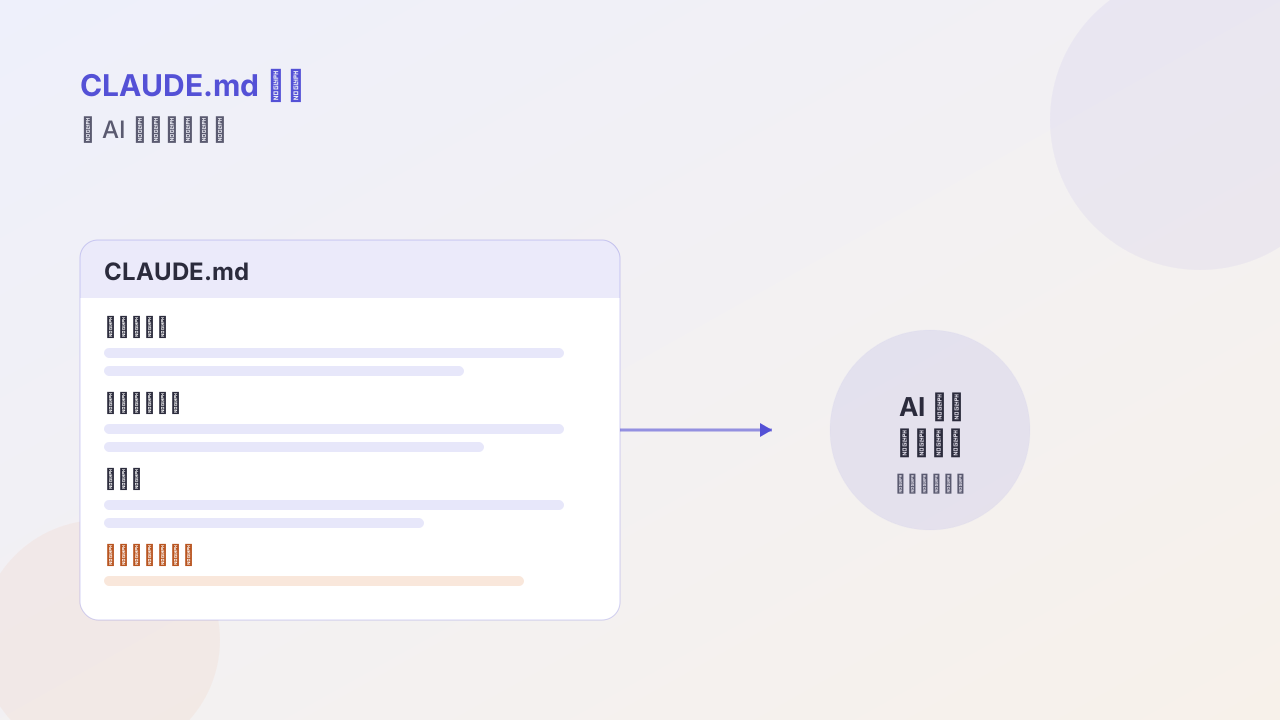
Step 3: connect a CLI agent
This is the step that turns the vault from a “repository” into a “system.”
cd ~/vault
# Let the agent read only 00-inbox, to avoid it accidentally editing permanent notes
claude --add-dir ./00-inbox --add-dir ./10-notes
Don’t ask too much the first time; the suggestion is:
Read all files in
00-inbox, generate a three-line summary for each, and suggest which subfolder under10-notesit should move to. Give me a plan first; don’t execute directly.
Seeing the plan it gives, you can judge how well it understands your materials. This “plan first” step matters — the agent’s comprehension偏差 is exposed here, not after it batch-edits files.
Step 4: validate with two scenarios
Scenario A: accumulating materials
Every day, use a Web Clipper to save 3–5 articles into the inbox; on Friday let the agent process them all:
- Generate summaries and tags
- Find connections to existing notes
- Archive into the right folders
After two weeks you’ll find the inbox clears as fast as it fills. If it can’t keep up, you’re collecting too much — cut your sources.
Scenario B: advancing projects
Create one note per project, with only three fields: goal / next step / blocker.
Have the agent read all project notes every Monday and output “the three things to push this week.” Its value isn’t knowing priorities better than you, but that it doesn’t forget — the human brain naturally avoids the projects that are stuck.
When to expand
Only add plugins once both hold:
- You’ve continuously produced at least 3 permanent notes per week for four weeks
- You clearly know some manual action takes you over 20 minutes every week
Everything else is renovation.
The purpose of a knowledge base isn’t collecting, it’s letting past thinking be callable in the future. There’s only one yardstick: have you ever made a better decision because of some old note.
Follow me