Write an MCP server so AI can call your tools
The core of MCP is standardizing your capabilities into tools AI can understand. This walks the full flow — from writing your first tool, to deploying it as a network service that other people and other AIs can call.
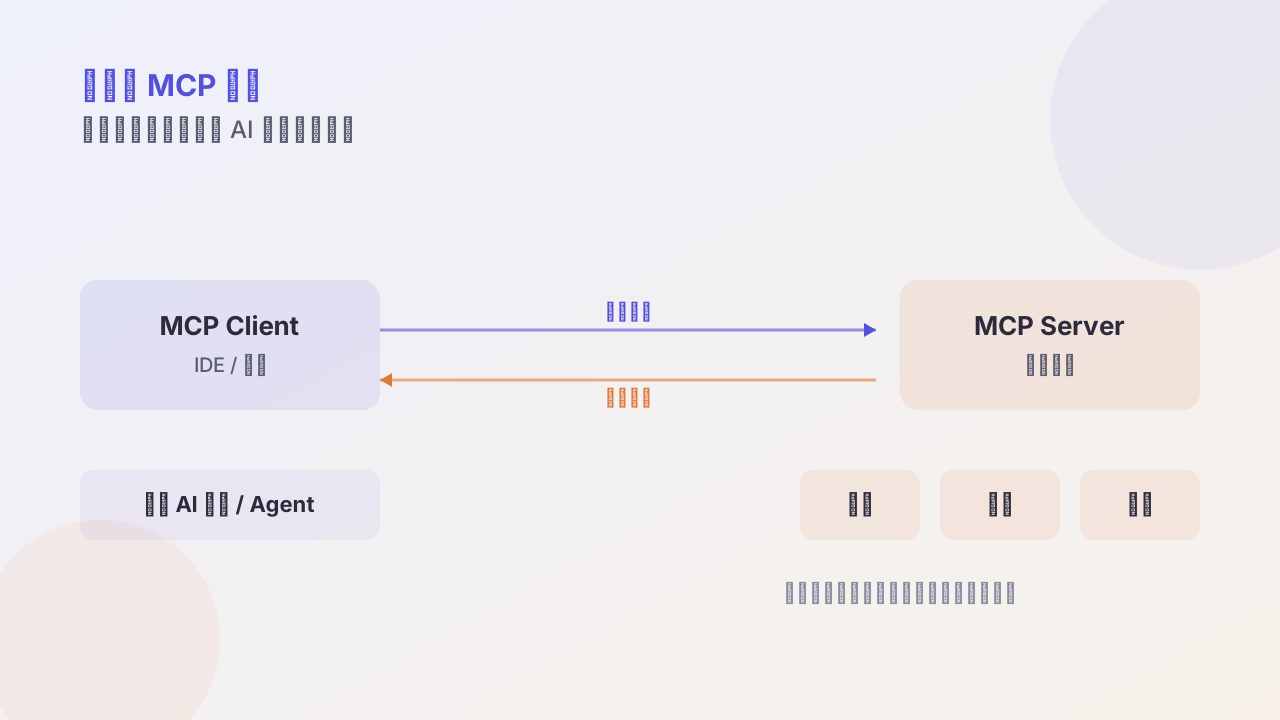
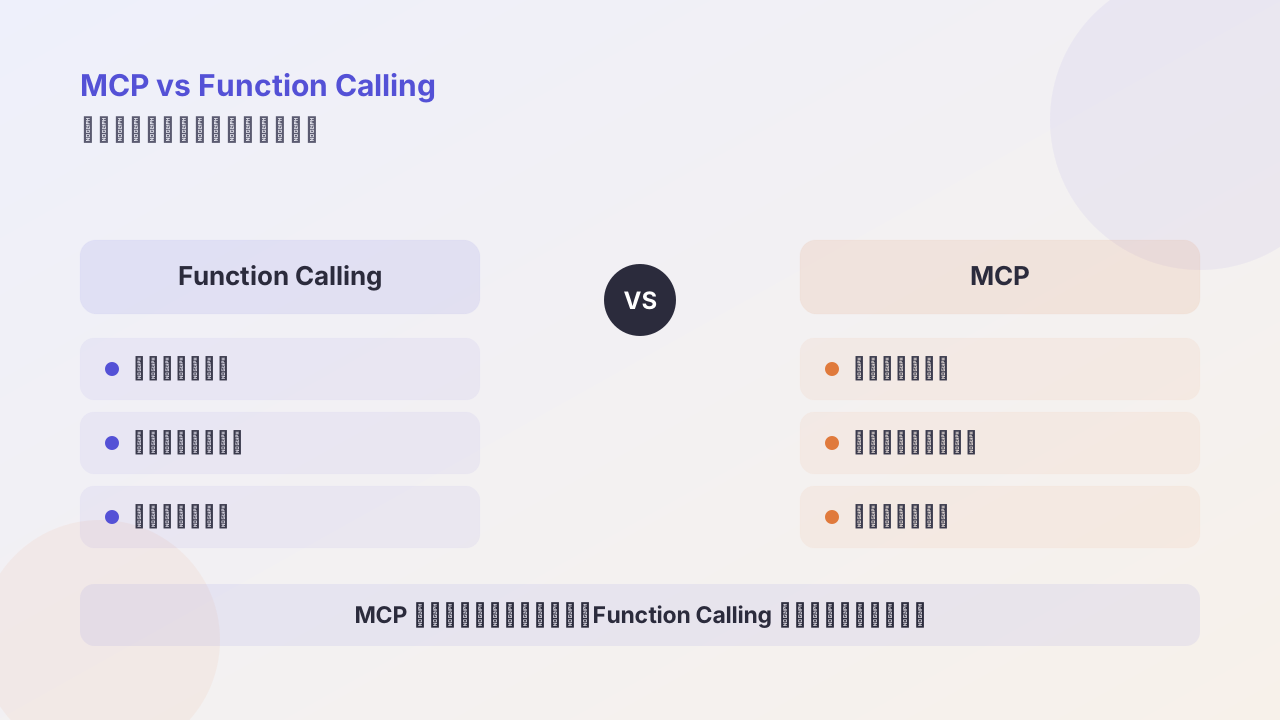
MCP (Model Context Protocol) is talked about a lot now, but most articles stop at “what it is.” This one assumes you already know the concept and focuses on the problems you actually hit when shipping: how to write an MCP server, how to test it, how to deploy it, and how to let other people and other AIs call it.
Get the mindset straight first
The core of an MCP server is writing one or more tools that the AI can call to complete tasks.
The word “tool” makes people overcomplicate it. It’s just a function with a typed signature, plus a description for the model to read. The model reads the description to decide when to call it and what arguments to pass, so how well you write the description directly decides whether your tool gets used.
On language choice: for a quick prototype use Python’s FastMCP; for strong typing or a TS-stack team, use the official TypeScript SDK; Go and Java both have official SDKs (Java via Spring AI MCP, for the Spring stack).
Your first tool
With FastMCP you can get it running in a dozen lines:
from fastmcp import FastMCP

mcp = FastMCP(name="My First MCP Server")

@mcp.tool
def say_hello(name: str) -> str:
    """Say hello to the user"""
    return f"Hello, {name}!"

if __name__ == "__main__":
    mcp.run()
Note that docstring line. """Say hello to the user""" is not a comment; it’s the tool description for the model. The model uses this text to judge what the tool does and when it should be used. Write it vaguely and the model either won’t use it or will use it in the wrong scenario.
Before wiring up any client, run it through the official debugging tool first:
npx @modelcontextprotocol/inspector node build/index.jsThe Inspector is an interactive UI where you can see your tool list, the parameter schema, and call them directly to see returns. Get it working here before connecting any client — it saves a ton of back-and-forth later. When a tool definition is broken, a client just throws a pile of incomprehensible errors, while the Inspector tells you exactly what’s wrong.
Deployment: from local to letting others call
This is where MCP gets most confusing, because the calling method determines the deployment method. Three stages, with capability increasing at each:
Stage 1: local client, over stdio
For local clients like Claude Desktop and Cursor, use stdio (standard input/output); there’s no remote call. The client launches your process directly through a config file:
{
  "mcpServers": {
    "my-tools": {
      "command": "python",
      "args": ["path/to/your_mcp_server.py"]
    }
  }
}
Zero deployment at this step. But its limit is obvious: only this local client on this machine can use it.
Stage 2: deploy as a network service, over HTTP
To let other developers, or web-based AI apps, call it, you need the network. MCP’s currently recommended transport is Streamable HTTP; the older SSE transport is deprecated — many tutorials still teach SSE, so don’t follow the old articles.
Python-side change is tiny:
mcp.run(transport="streamable-http", host="0.0.0.0")Once running, drop it on a server with a public IP (containerized hosting on a cloud platform, or a VPS) and you’re set.
Here’s a path many articles don’t mention: if you already have a bunch of existing HTTP APIs, you don’t have to rewrite them as an MCP server. A gateway like Higress can “wrap” existing APIs into MCP-compliant interfaces, and handle auth, rate limiting, and the user system that enterprises can’t avoid, all at once. Between rewriting and wrapping, most scenarios should choose wrapping.
Stage 3: a registry
Once you have many MCP services you hit a management problem: how does the caller find a service? What if the address changes?
The solution is to introduce a registry, like Nacos. The service registers itself on startup; the caller queries the address through Nacos. This turns static config into dynamic discovery, so services can scale and migrate freely.
You don’t need this from day one. For a personal project Stage 2 is enough; don’t architect for architecture’s sake.
How clients call
Once deployed, callers have three ways to connect.
Easiest: just configure it into an AI client. That claude_desktop_config.json above is it. Good for personal use.
Python calling a remote service:
from py_mcp_client import MCPClient

client = MCPClient("http://your-server.com/sse")
client.connect()
init_response, tools = client.initialize()
result = client.run_tool("say_hello", {"name": "World"})
TypeScript calling a local stdio service:
import { MCPClient } from "mcp-client";

const client = new MCPClient({ name: "MyClient", version: "1.0.0" });
await client.connect({ type: "stdio", command: "python", args: ["your_mcp_server.py"] });
const result = await client.callTool({ name: "say_hello", arguments: { name: "MCP" } });
A complete zero-to-one checklist
Compress the above into an executable order:
- Pick a language: prototype in Python, formal project follows the team’s stack
- Install the SDK:
pip install fastmcpornpm install @modelcontextprotocol/sdk - Write tools, and write each tool’s description seriously
- Get it working locally with the Inspector; confirm the tool list and call results are right
- Pick a deployment: stdio for self-use only, streamable-http for remote
- If you have existing REST APIs, evaluate wrapping them with a gateway instead of rewriting
- Connect clients: config file or Client SDK
A few things I hit myself
Bad description, dead tool. I wrote a tool whose description only said “query data,” and the model never used it even in scenarios where it clearly should. After changing the description to “query the user’s order history; pass in user ID and time range; return the order list,” the call rate immediately normalized. That dozen-or-so-word difference matters more than swapping models.
stdio and HTTP share the same tool definition, but debugging is completely different. When stdio breaks, suspect the transport layer first; when HTTP breaks, check the network and auth first. Don’t mix the debugging.
Don’t rush into a registry. I’ve seen someone put Nacos in front of just two services. Get it running first; add a registry when service count and multi-team collaboration actually become pain points.
MCP’s official docs are at modelcontextprotocol.io — the protocol spec and security guide are both there. For existing services to reference, search “awesome-mcp-servers”.
Follow me