Understanding Agent Skills — the manual you hand a new hire
Agent Skills package domain know-how and workflows into a folder an agent can load on demand. This explains how the three-layer progressive disclosure works, how code execution fits in, and how Skills differ from MCP and multi-agent architectures.
Anthropic introduced Agent Skills in October 2025, then open-sourced the spec in December and handed it to the Linux Foundation. Skills evolved from a single product feature into an industry standard, complementing MCP (Model Context Protocol).
The original motivation: a powerful Claude model still lacks your organization’s specific processes, business flows, and brand rules. Skills are a way to package that procedural knowledge into files and folders the agent can use directly.
A plain-language analogy: a general-purpose agent is like a senior expert you just hired. No matter how capable, they need a landing period to learn how the company actually operates, its approval chains, even the subtle relationships between departments. A Skill is the onboarding manual and existing business docs you hand that new hire.
What exactly is a Skill?
The core idea: give the AI a work manual. Imagine a brilliant intern (Claude) who on day one:
- knows general knowledge, but not your company’s specific processes;
- can write code, but not your team’s technical conventions;
- can analyze data, but not your specific business logic.
A Skill is the landing document for that intern. Crucially, this isn’t retraining a model — it’s packaging domain guides, tool scripts, and reference materials into a folder the agent looks up and learns from when needed, then executes immediately.
Three-layer progressive disclosure
This is the most elegant part of Skills. It’s a layered manual, not 1,000 pages dumped on the AI at once — loaded on demand.
Layer 1: index (metadata). At the start of every conversation, the AI sees only the “table of contents” — the skill name (max 64 chars) and a one-line description (max 1,024 chars). Like an intern first scanning the team’s knowledge-base index to judge relevance. This layer costs only ~100 tokens; the AI can know about hundreds of skills with zero extra burden.
Layer 2: detailed steps (SKILL.md). When the AI judges, via metadata, that a task needs a skill, it calls the Bash tool to read the selected SKILL.md, loading the full instructions into context. Only now does the AI truly learn how to operate. A SKILL.md uses a YAML frontmatter (name, description — that’s layer 1), with a Markdown body of detailed instructions.
Layer 3: reference files (linked docs). Real work is too complex for the main manual (like the docs nobody has time to read at the office): form-filling rules (forms.md), brand guidelines (brand-guide.pdf), code examples (examples.py). The AI only reads these for specific subtasks — forms.md when filling a form, ignoring it during data analysis.
| Layer | File | When loaded | Tokens |
|---|---|---|---|
| 1 | SKILL.md index (YAML) | always visible | ~100 |
| 2 | SKILL.md body (Markdown) | when skill is relevant | ~1,500+ |
| 3+ | linked files (docs, scripts, data) | when necessary | on demand |
How the context window changes dynamically. Take Anthropic’s PDF-form example. Stage 1 (initial): [system prompt] + [skill index] + [user message]. Stage 2 (load manual): + [SKILL.md full content]. Stage 3 (load sub-manual on demand): + [forms.md]. Stage 4 (execute): + [execution result]. Throughout, the AI never loads all 10,000 tokens of PDF-skill material at once — it learns as it goes, cutting token usage by 70–90%.
Code execution: Skills give the AI a toolbox
A Skill isn’t only YAML and Markdown — it can also contain pre-written executable code. This greatly stabilizes Skills.
First, clarify: a Skill itself is not executable code. Its core is SKILL.md (a big prompt + manual) — it won’t run Python or JavaScript on its own. The actual code runner is still the agent’s tool system (Bash, code execution); the Skill just tells the AI: “at step X, use Bash to run script Y, then keep reasoning from the result.”
A standard Skill directory with code looks like:
my-skill/
├── SKILL.md      # manual (main prompt)
├── scripts/      # executable scripts (Python / Bash, etc.)
│   └── helper.py
├── references/   # docs to read into context
└── assets/       # templates, binaries, referenced by path only
scripts/ holds code for: data parsing/transformation, running CLI tools (git, npm, pdftotext), complex multi-step operations needing 100% deterministic results. The Skill references scripts via python {baseDir}/scripts/analyzer.py ..., where {baseDir} is an auto-replaced variable for the skill’s local install path — so it works across machines and project paths without hardcoding.
When the AI matches a need to a skill (via name + description), the system reads the whole pdf/SKILL.md and injects it as a new instruction. Inside, you pre-write:
When extracting PDF form fields:
- Call the Bash tool:
  `python {baseDir}/scripts/extract_form_fields.py --input "$PDF_PATH" --output form_fields.json`
- After it runs, read `form_fields.json`, parse the fields, then proceed per the user's need.
The Bash tool actually runs the command in the sandbox, returns form_fields.json. The AI reads that JSON, understands it in natural language, and continues. Anthropic’s key line: “the PDF skill includes a pre-written Python script that reads a PDF and extracts all form fields. Claude can run this script without loading either the script or the PDF into context.”
Two implications:
- The script source isn’t fed to the model as text — only a one-line command appears in context, saving tokens.
- Large files (PDFs) needn’t enter context either — the script operates on them in the sandbox and returns only structured results (e.g., a JSON field list).
Net effect: offload “heavy IO, heavy compute, large-file handling” to scripts — saving tokens, speeding up, and stabilizing.
Code execution’s value is using deterministic code to compensate for the stochastic model. The LLM is strong at understanding, reasoning, and generating, but weak at computation, sorting, and strict formatting — same prompt, different runs, different results. Code execution complements exactly that.
Typical tasks worth scripting: sort/filter/aggregate (sorting hundreds of records in text is slow and error-prone, but one sort/filter/groupby is stable); complex file/dir operations (scan a codebase for language ratios, merge Markdown, convert CSV to JSON); multi-step pipelines (npm install && npm run lint && npm test); calling third-party CLIs (pdftotext, ffmpeg, git, exiftool).
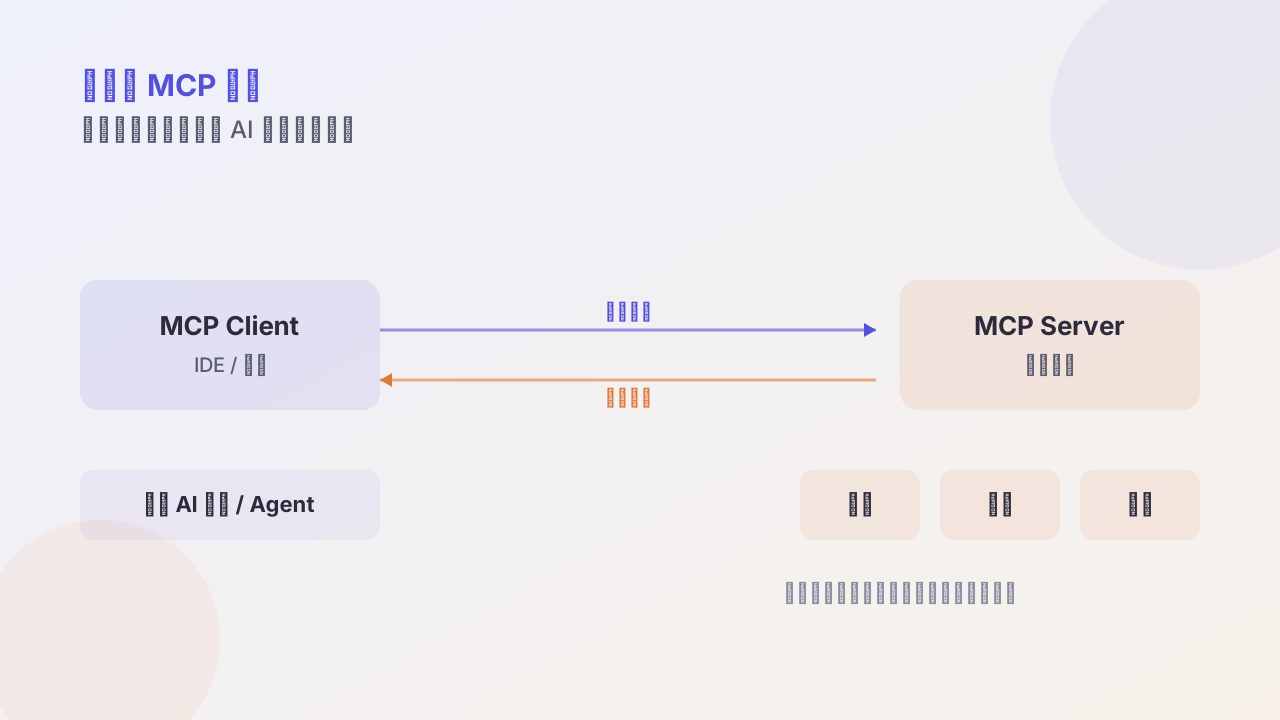
Skills vs MCP
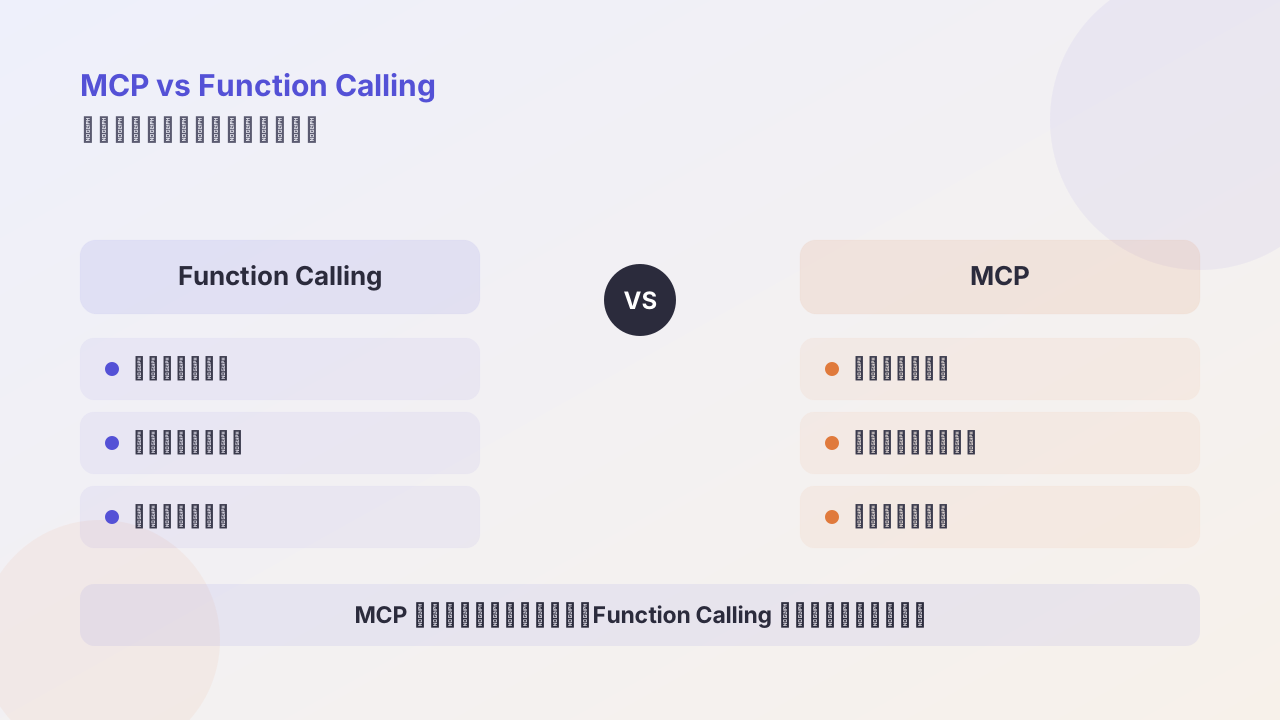
A consensus among front-line engineers: Skills solve “how to do it” (methodology / workflow); MCP solves “where to connect” (linking external systems). They complement, not replace, each other.
| Dimension | Claude Skills | MCP |
|---|---|---|
| Design goal | package human workflows & domain knowledge into reusable instructions | give LLMs a uniform interface to external tools |
| Trigger | auto-detected, no explicit call | agent calls a function explicitly via the protocol |
| Config complexity | create a folder + Markdown, no runtime service | deploy an MCP server, write JSON config |
| Token efficiency | progressive disclosure, tiny initial cost | usually preload API docs, thousands of tokens |
| Execution env | fully inside the Claude sandbox | external server executes, returns results |
| Security model | runs user-installed trusted code | controls external resource access via permissions |
| Best for | embedding expertise & internal processes | connecting live data sources & legacy systems |
Skills = the methodology / capability layer: package a business flow, writing style, analysis steps into a reusable “digital SOP + small script toolbox,” running entirely inside the Claude environment. MCP = the protocol / infrastructure layer: a standard interface letting any LLM reach external systems (databases, GitHub, ERP, SaaS, IoT) through one protocol.
If the whole AI system is a building: the basement is MCP, bringing in “water, electricity, gas, network” (external systems and tools); the offices upstairs are Skills, defining “how everyone actually uses those resources to get work done” (flows, conventions, combined actions).
Skills vs traditional multi-agent
Analogy: traditional Agent = many “different employees” collaborating; Skills = one “core employee” switching identities per scenario.
Traditional multi-agent: a controller Agent with a bunch of sub-agents (coder, researcher, reporter, reviewer) passing messages, switching context, coordinating tools. Skills: a single Agent (e.g., Claude) loads different Skills on demand — a set of files (manual + scripts + references) swapped in like changing the agent’s “professional mode.”
LangChain calls Skills a “lightweight, single-agent quasi-multi-agent architecture”: one agent, the benefits of multi-agent (multi-role, multi-specialty, clear division) without the process and messaging overhead.
Why Skills beat traditional agents:
- Complexity: multi-agent needs Agent splitting, scheduling strategy, message protocols — lots of “framework building.” Skills just adds Skill folders; the model decides which to use via description matching.
- Context & tokens: multi-agent passes messages back and forth, compressing/translating, losing detail. Skills manage context via three-layer disclosure: only names + descriptions at boot (tens of tokens), full SKILL.md only when needed, extra refs on demand.
- Reusability: each multi-agent has its own long prompt, hard to share. A Skill is a SKILL.md + scripts + refs that goes straight into version control, shareable and reviewable across teams — an internal “skill library.”
- Debugging: multi-agent debugging is scattered (which agent’s prompt? which message truncated? wrong routing?). Skills usually need just three questions: did Claude pick the right skill? Are the SKILL.md steps sound? Do the scripts/refs have bugs or staleness?
But Skills don’t fully replace agents. Consensus cases that still need multi-agent:
- Physical isolation: tasks needing strictly different permissions (read-only vs. write-to-prod); a security-sensitive module must run isolated.
- Different models / reasoning strategies: planner uses a large, low-temperature, long-thinking model; executor uses a cheap, high-temperature, fast model; reviewer uses the most expensive model for key-step quality.
- Clean context isolation: security audits, red-team drills, legal review — don’t want contamination from prior chat.
Builder.io’s practical summary: default to extending your existing agent with Skills; only reach for a new agent or sub-agent when you hit needs for a different model, strong permission isolation, or genuinely polluted context.
Follow me