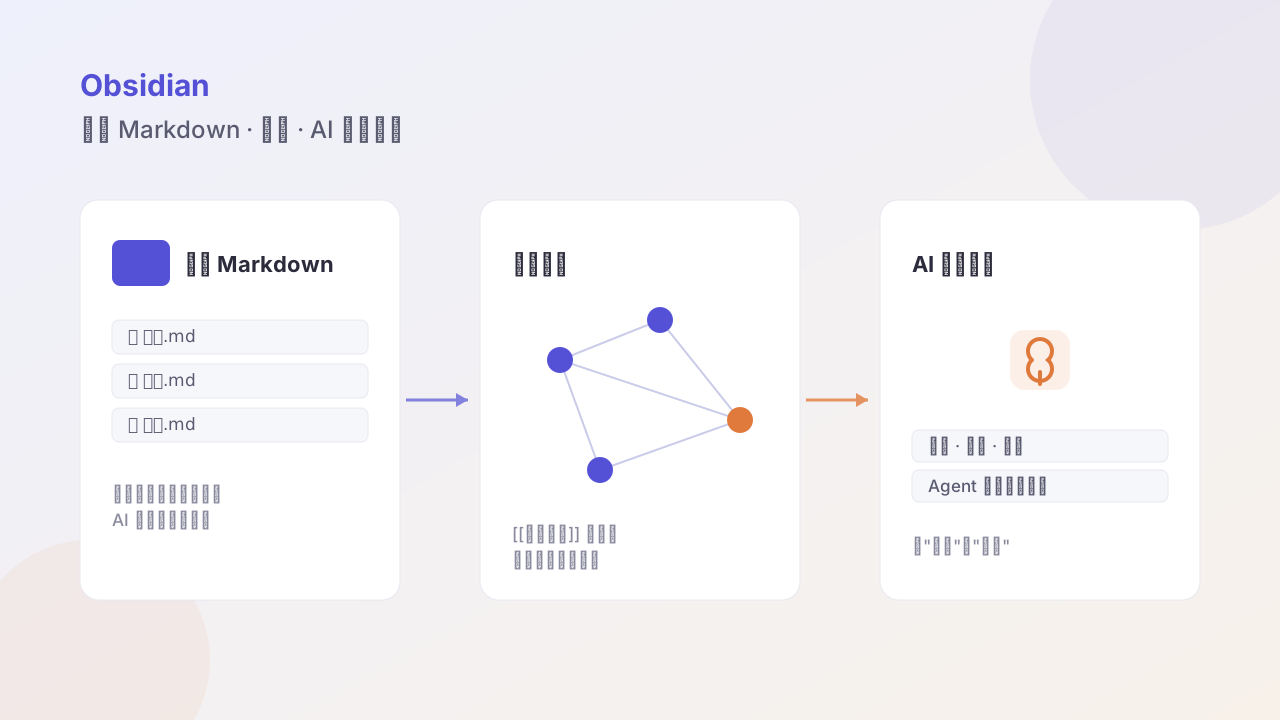
An easy Obsidian getting-started guide: bi-links, attachments, graph, plugins, and quick entry points
Written for Obsidian newcomers; covers vault, local Markdown, bi-directional links, attachments, plugins, and common shortcuts. Less syntax memorization, less config fiddling — first get a personal knowledge base that can accumulate for the long term.
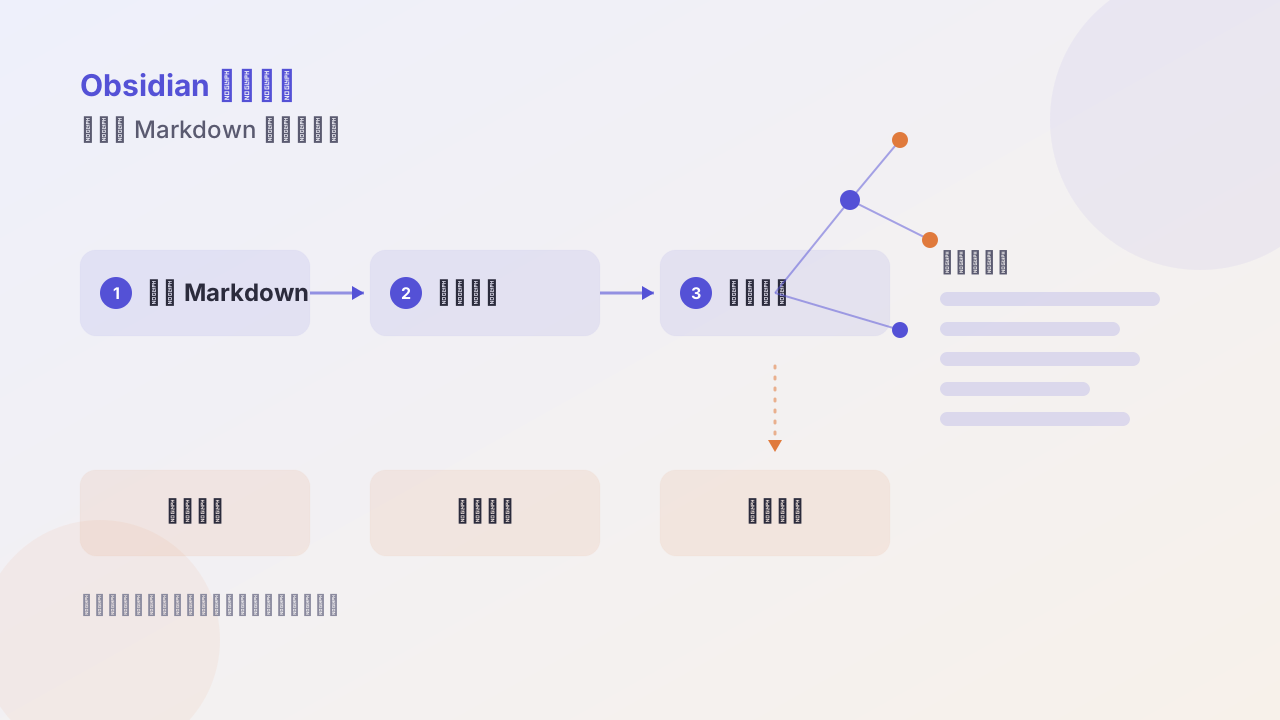
This only covers what you need to know on day one. Those advanced tricks — wait until you’ve written fifty notes.
1. A vault is just a folder
The first time you open it after installing, it asks you to “create a vault” or “open a folder.” Choose open a folder, pointing at an empty directory you created yourself.
From that moment, every .md file in that directory is your note. They don’t depend on Obsidian to exist.
2. You only need to remember five syntaxes
No need to memorize full Markdown; these five are enough:
# Heading 1
## Heading 2
- list item
**bold**
[[Another Note]]
[[ ]] is Obsidian’s extension syntax; typing [[ auto-pops your existing notes for you to pick. That’s the bi-directional link.
3. The right way to handle attachments
By default attachments (images, PDFs) scatter inside the vault and get hard to manage over time. It’s recommended to set a fixed directory in settings:
Settings → Attachments → Attachment folder path → fill in assets
Pasted images auto-save there, and ![[image-name]] is auto-inserted into the note. The vault stays clean and backup is easy.
4. Three plugins worth installing
The plugin marketplace has thousands; install only these three on day one:
| Plugin | Purpose |
|---|---|
| Templater | create notes quickly from templates |
| Calendar | sidebar calendar, click a date to create a daily note |
| Omnisearch | full-text search, good Chinese results |
After installing, close the plugin marketplace and don’t open it again for a month.
5. How to read the graph view
The graph view on the left is sparse at first; that’s normal. It only shows structure after two hundred notes.
The correct use isn’t to “admire” it, but to find islands: nodes with no connections are things you recorded but never recalled. Either link them or delete them.
6. Five shortcuts
| Shortcut | Purpose |
|---|---|
Ctrl/Cmd + P | global search notes |
Ctrl/Cmd + O | quick open |
Ctrl/Cmd + N | new note |
Ctrl/Cmd + E | toggle edit/preview |
Ctrl/Cmd + / | open settings |
7. The goal for the first month
Don’t set a goal like “write one every day.” Set this:
Drop one thing into the inbox every day, and set aside 30 minutes a week to organize.
After a month you’ll have 20–30 raw inputs, plus about 10 organized notes. Only then do you really know what config you need — and it won’t be too late to tinker.
Follow me