Codex Appshots guide: the useful part isn't the screenshot
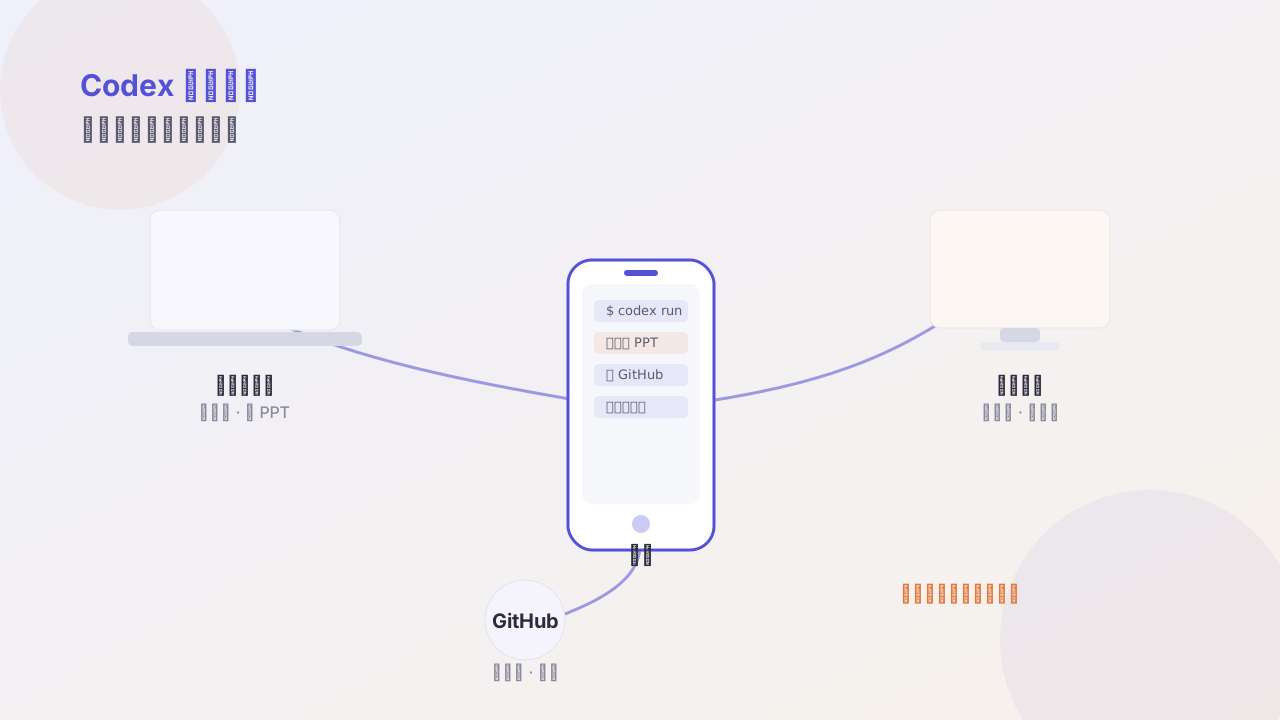
Appshots aren't ordinary screenshots — they hand the AI the current window's image, text, and app state, cutting the cost of copying, screenshotting, pasting links, and explaining the environment.
Most people communicate with AI via screenshots like this: take a shot, paste it, then type a long paragraph explaining “this is what I’m doing.”
Appshots wants to kill that explanation.
How it differs from a normal screenshot
| Normal screenshot | Appshots | |
|---|---|---|
| Content | one image | image + extractable text + app state |
| Needs your explanation | yes | mostly no |
| Can locate elements | no | yes, e.g. “that button on the third row” |
| Cross-app | re-shoot every time | can attach multiple windows in batch |
The key difference is app state. It knows which file you currently have open, which line the cursor is on, what the last command in your terminal was — information that used to be entirely up to you to type out.
Three most practical scenarios
1. Debugging errors
A screen full of red errors in the terminal — before, you’d copy-paste (often missing the context). Now just attach:
This build failed. Look at the last error block and tell me the cause and the two most likely code locations.
It even knows which command you ran, no need to say it.
2. Design fidelity
Open the design draft and your implementation, attach both windows:
Left is the design, right is the reference implementation. List every inconsistency, ordered from largest to smallest visual impact.
Far more effective than “help me see what’s different” — it now has a reference.
3. Form/UI walkthrough
This is my project’s settings page. Check for alignment issues, over-long copy, and elements that overflow on mobile.
It can read the actually-rendered text, no need to copy it to it one by one.
Where the efficiency comes from
On the surface it saves typing; in reality it saves context reconstruction.
Every time you describe “what I’m doing” to the AI, you’re spending effort compressing the context in your head into words, and that compression is inevitably lossy. Appshots hands over the live scene directly — that compression layer disappears.
Caveats
- Sensitive info: before attaching a window, confirm there are no keys, tokens, or private data
- More windows = better? Not necessarily: past three, the signal-to-noise ratio drops
- Text beats image: if you must choose, prioritize a readable text layer
One-line summary
The value of Appshots isn’t “letting AI see,” but letting AI know where you are without asking.
Follow me