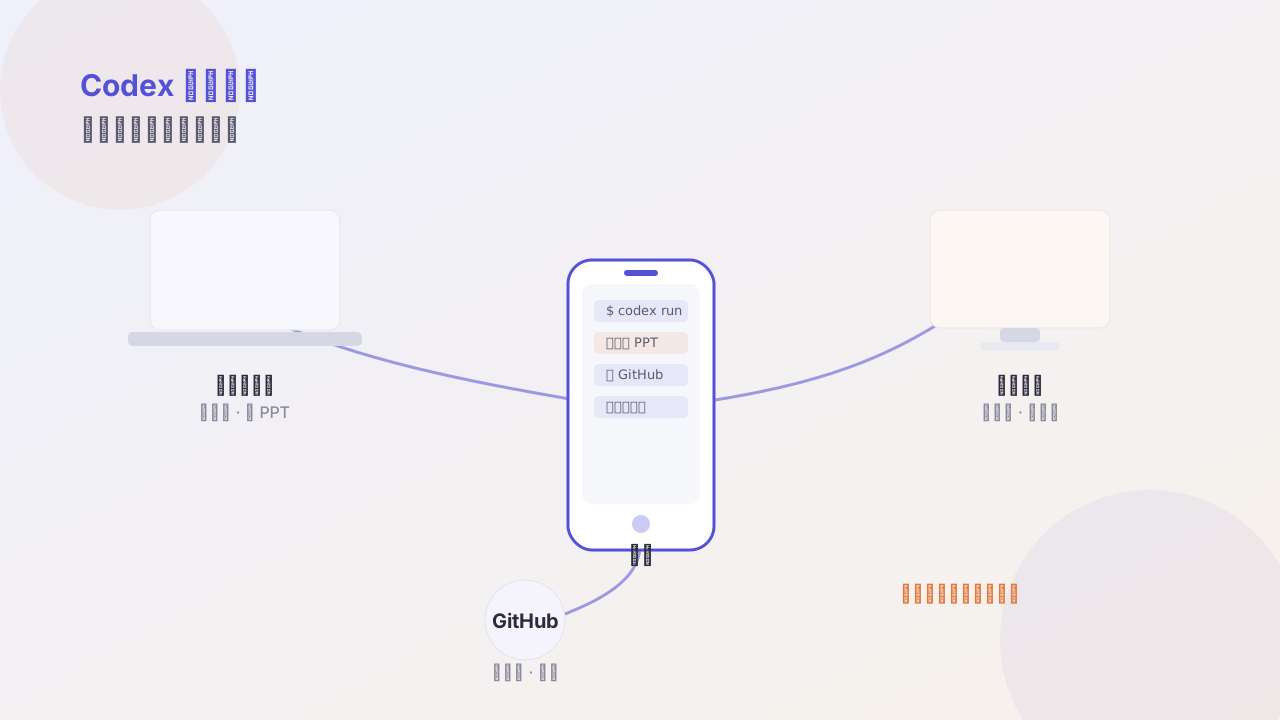
Codex App from zero to real: running an agent workflow with an AI daily-news project
Use an AI daily-news project to walk through the full Codex chain — from scaffolding, generating pages, iterating visuals, long-term memory, plugging in external info, to GitHub, deployment, and automated runs.

The fastest way to learn a tool is to finish a real project. This post uses an “AI industry daily brief” project to walk the full Codex chain.
Project definition
The need is plain: every morning automatically summarize important AI-domain developments, generate a web page, push to GitHub, and deploy.
Break it into five steps:
- Scaffold the project
- Fetch info and generate content
- Generate the page and iterate visuals
- Plug in long-term memory (keep style consistent)
- Automate scheduled runs
Step 1: scaffold the project
Don’t say “build me a daily-news website” — that’s too vague. Give it structure:
In this directory, build a static-site project:
data/holds daily JSON,scripts/fetch.mjshandles fetching,templates/holds page templates,dist/is the output dir. Stack is vanilla HTML + CSS, no build tool. First generate only the skeleton and one sample data file; don’t write fetch logic.
When it finishes you get an openable empty site. See something first, then fill it in — far more controllable than generating the whole project at once.
Step 2: generate the page
After you have sample data, have it render:
Read
data/2026-07-19.json, generatedist/index.htmlpertemplates/day.html. Section order: one-line summary, key developments, tool updates, long reads worth reading.
Step 3: visual iteration (there’s a trick here)
Don’t say “make it look nicer.” Give references and constraints:
The current page is too information-dense. Requirements: body line width ≤ 720px, line-height 1.8, body color
#2b2b3c, accent color#5451d6, card border-radius 10px, shadow0 4px 16px rgba(24,24,48,.05). Single column on mobile.
Only with concrete values can the agent reproduce your aesthetic. This is also why I recommend every project maintain a design-token file — it turns “looks good” into transferable parameters.
Step 4: long-term memory
Codex supports writing project conventions into a memory file. Solidify these:
## Project: AI Daily
- Output language: Simplified Chinese, avoid jargon like "empower" or "leverage"
- Each item under 60 characters
- Only include info with a clear source; mark uncertain items "to be verified"
- Visual spec in DESIGN.md
With it, you don’t repeat style requirements every time. The value of long-term memory isn’t making the agent smarter, but making its output more stable.
Step 5: automation
Once the flow works, turn it into a scheduled task:
# Run at 8:00 every day
0 8 * * * cd ~/ai-daily && codex run "Fetch today's news, generate the page, commit and push"
The first time, absolutely watch a full run manually — confirm it won’t get stuck at a permission prompt, and won’t commit dist as source code.
Three pitfalls I hit
- Generating the whole project at once: produces a pile of code you can’t finish reading, with no way to debug when something breaks.
- Aesthetic by mouth: without numbers, every iteration is a gamble.
- Automating too early: scheduling before the flow is stable equals mass-producing errors.
Takeaway
The biggest change after finishing isn’t saved time, but that this project started running itself. You went from executor to reviewer — that’s the real leverage point of an agent workflow.
Follow me