Codex remote control in practice: multi-device setup and three real scenarios
Three real scenarios — making a PPT from a phone, pushing to GitHub, and controlling one machine from another to run tasks — explain the remote-control setup method and its boundaries.
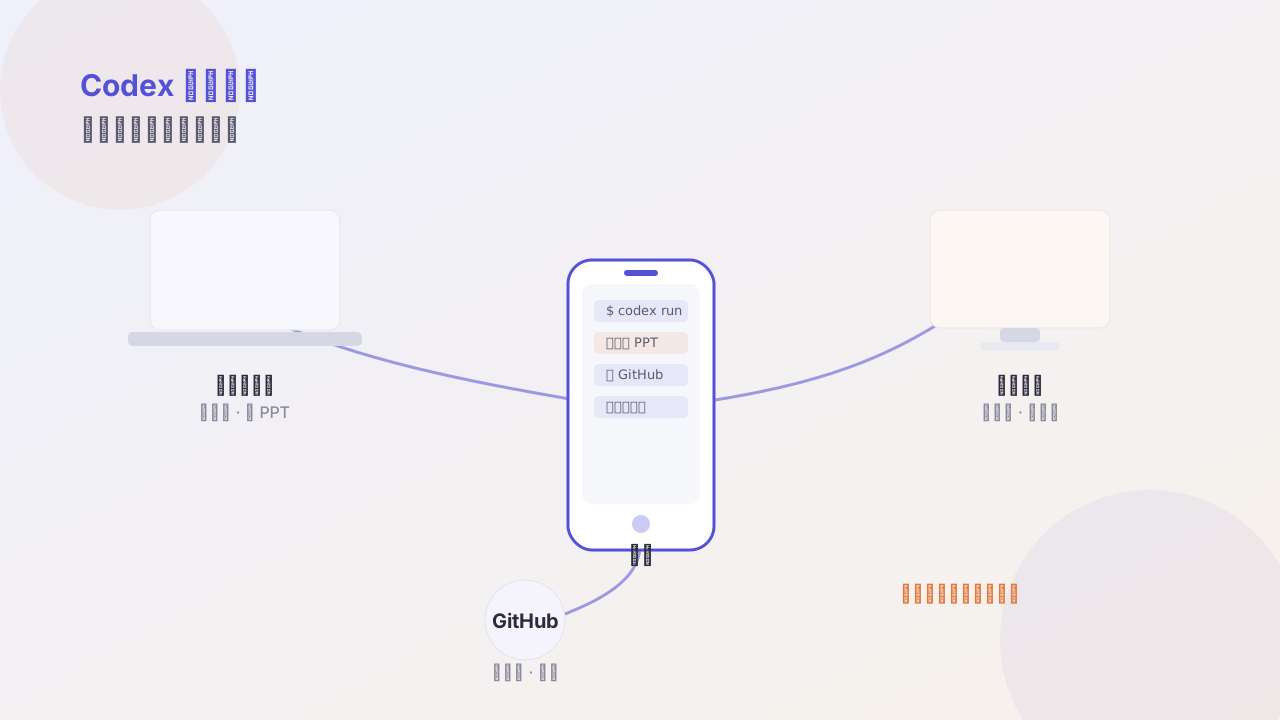
Bottom line first: remote control isn’t turning your phone into a dev machine, but turning your phone into a task console.
Once you get that, both the setup and the usage get simpler.
Setup: three steps
- On the controlled machine, enable remote access and generate a one-time pairing code
- On the control side, enter the pairing code and bind it to your account
- Set a permission whitelist: which directories, which commands are allowed
The third step is the easiest to skip and the most important. Remote access without a whitelist is like handing out an unlimited authorization.
# ~/.codex/remote.toml
allowed_dirs = ["~/projects", "~/vault"]
allowed_commands = ["git", "npm", "node", "python"]
deny_commands = ["rm -rf", "git push --force"]
Scenario 1: phone initiates, computer makes the PPT
On the commute you think of a talk topic; send one instruction from your phone:
Using the content of
~/vault/notes/product-positioning.md, make a 10-page talk deck, style per DESIGN.md, output to~/projects/slides/.
Get home, open the computer, and the file is already there. You only need to do the final copy tweaks on the computer.
Value: decouples “where the idea appears” from “where execution happens.”
Scenario 2: push to GitHub
After fixing a small bug, on your phone:
Run the tests, and if they pass, commit; write the commit message per conventional commits, then push to the current branch.
You only sent one sentence the whole time, but you should still review the diff on the computer before merging. Remote control saves operations, not judgment.
Scenario 3: one machine controls another
I have an always-on machine dedicated to scheduled tasks. When I need to add a task on the fly, I assign it remotely from my laptop:
On the always-on machine, change
scripts/daily.mjs’s cron from 8:00 to 7:30, then run it once manually to confirm the output is normal.
No need to SSH in to edit crontab, no need for remote desktop.
Boundaries: what not to do remotely
- Refactors that need to review lots of diffs
- Operations involving database migrations
- Any core-logic change without test coverage
Principle: remote is good for initiating and confirming, not for reviewing.
Stability
In practice the most common problem is network switching (WiFi ↔ cellular). I recommend turning on “resumable” task logging, so on reconnect it first recaps current progress:
What were you doing, and how far did you get.
That one sentence avoids a lot of duplicated work.
Follow me