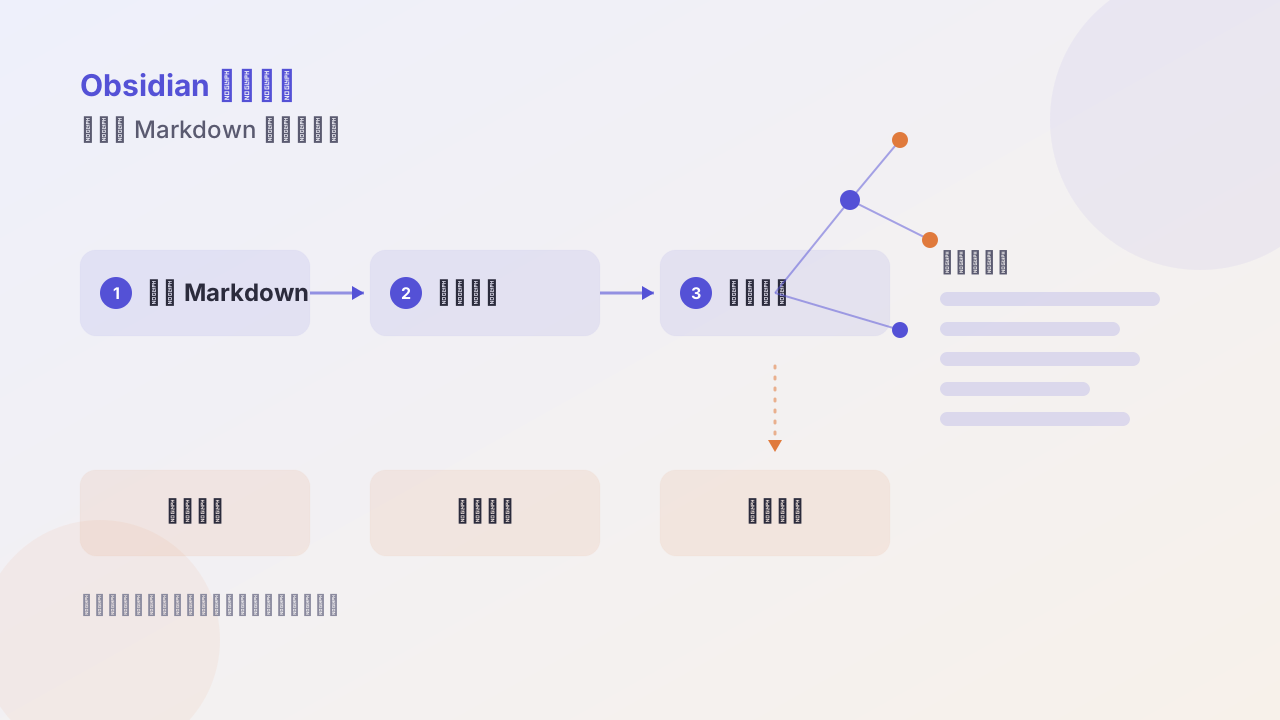
Why use Obsidian? From local Markdown and bi-links to an AI knowledge base
From three angles — local Markdown, bi-directional links, and an AI knowledge base — explains how Obsidian differs from traditional note tools and VS Code, and with real scenarios of Web Clipper, ChatGPT, and Codex, helps you judge whether it fits you.
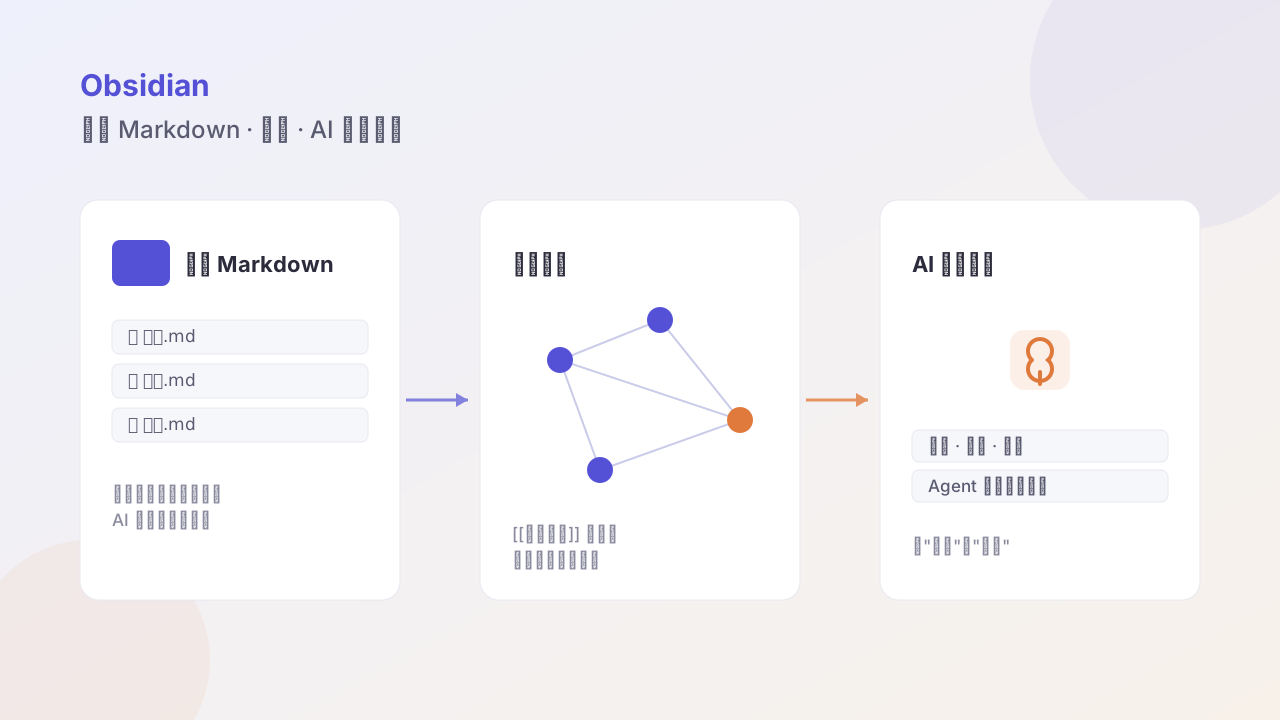
Many people feel confused the first time they open Obsidian: it looks like just a Markdown editor, so why do so many people treat it as a “second brain”?
The answer isn’t in the interface, it’s in the shape of the data.
I. Local Markdown: your notes belong to you first
Obsidian’s vault is essentially just an ordinary folder holding .md files.
This means:
- No account needed, no internet needed; double-click to open
- When switching tools you don’t “export,” just copy the folder away
- You can use Git for version control; every change is traceable
- Any program that reads text can read it — including AI
The simplest standard for whether a knowledge tool is worth long-term investment: if it shuts down tomorrow, are your notes still there.
II. Bi-links: let notes grow into a network themselves
Traditional notes are a “tree”: a notebook inside a notebook. The problem is one note often belongs to several topics at once; you can only place it in one spot, and the other spots become unfindable.
Bi-links turn it into a “web”:
The judgment about [[product positioning]] affects [[pricing strategy]] and [[channel selection]].[[ ]] builds not hierarchy but relationships. After accumulating hundreds of notes, the relationship graph reveals your real center of interest on its own — which is often different from what you “thought” it was.
III. AI knowledge base: from “readable” to “usable”
This is the biggest value change for Obsidian in 2026. Before we said “local Markdown migrates well” — that was defensive value; now it has become offensive value:
AI can directly consume plain text, but it can’t consume your private database.
| Scenario | How |
|---|---|
| Collect | Web Clipper saves a webpage as Markdown with metadata in one click |
| Organize | let a CLI agent batch-rename, add tags, generate summaries |
| Retrieve | ask in natural language “what ideas about pricing did I note in March” |
| Output | generate articles, weekly reports, proposals directly from existing notes |
The key point: the agent needs to be able to read and write files, and Obsidian’s vault happens to be exactly a file directory. Once this is connected, notes are no longer the endpoint, but the raw material for production.
IV. Who it’s not for
To be honest, Obsidian isn’t universal:
- Need multi-person real-time collaboration → use Feishu/Notion
- Need complex database views → use Notion
- Only need to jot a couple of lines → a phone memo is enough
It fits best the profile of: someone who accumulates personally for the long term, whose content gets recalled repeatedly, and who wants these accumulations to eventually become output.
Next step
If you decide to try, start from the minimal viable system: one folder, three templates, two plugins. Don’t install thirty plugins right away — that’s building a toy, not a knowledge base.
Follow me